ISA Kids Fishing Day

Event created by Mike Clifford
ISA Kids Fishing Day
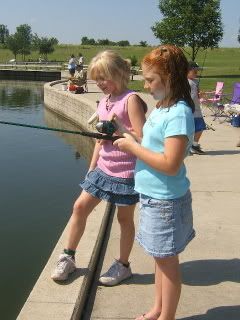
Sunday, July 1st is the date this year for the ISA Kids Fishing Day.
Monee Reservoir is the location, and we'll be getting the event started at 9 a.m., though you are free to come out at any time during the day. Prior registration is not required, but a note to let me know you are coming is appreciated. This is for ISA member families as well as the general public, so please feel free to bring your friends and neighbors along!
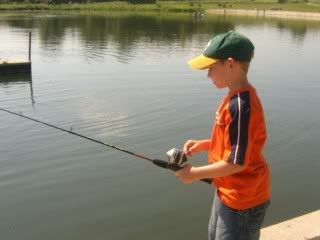
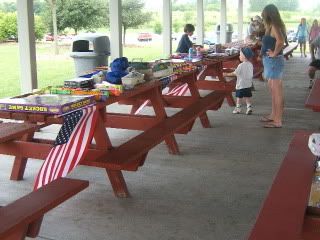
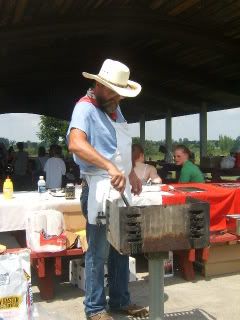
A few hours of fishing is followed by the always popular Kids Casting event, prize raffle (every child gets a prize of their choosing from the raffle table) and a second-to-none barbecue lunch for all.
Need further incentive?
This is a day for the kids to shine, but it is also a day for fellow members to get to know one another and enjoy the picnic atmosphere at a state-of-the-art facility.
There is fishing and boat rentals available for adults if you have no kids to bring, and I'll mark a map for you if you decide to take advantage of this option. It is quietly one of the best largemouth lakes in northern IL, with many 5-7 lb.specimens present.
We could certainly use a few volunteers to help staff this event, but we'd also like to see you bring some kids along with even if you do choose to help out. The work is light and the kids will beg for a return trip each and every year.
Questions can be addressed to:
Mike Clifford
773-771-9042